Advanced editor#
Lens premium subscription feature. See details on Lens Pricing.
The advanced editor adds change tracking to the resource editor in Lens K8S IDE. Switch the editor into a side-by-side diff to see your unsaved changes, and revert them in one click. It is included with the Plus, Pro, and Enterprise subscription plans, and with an active trial.
The comparison baseline is the last version the editor loaded or saved: opening the editor sets it, and every successful save resets it to the saved result.
View your changes#
To see your unsaved changes as a diff:
- Open a resource for editing. For example, right-click a deployment in Workloads > Deployments and select Edit.
- Change the resource
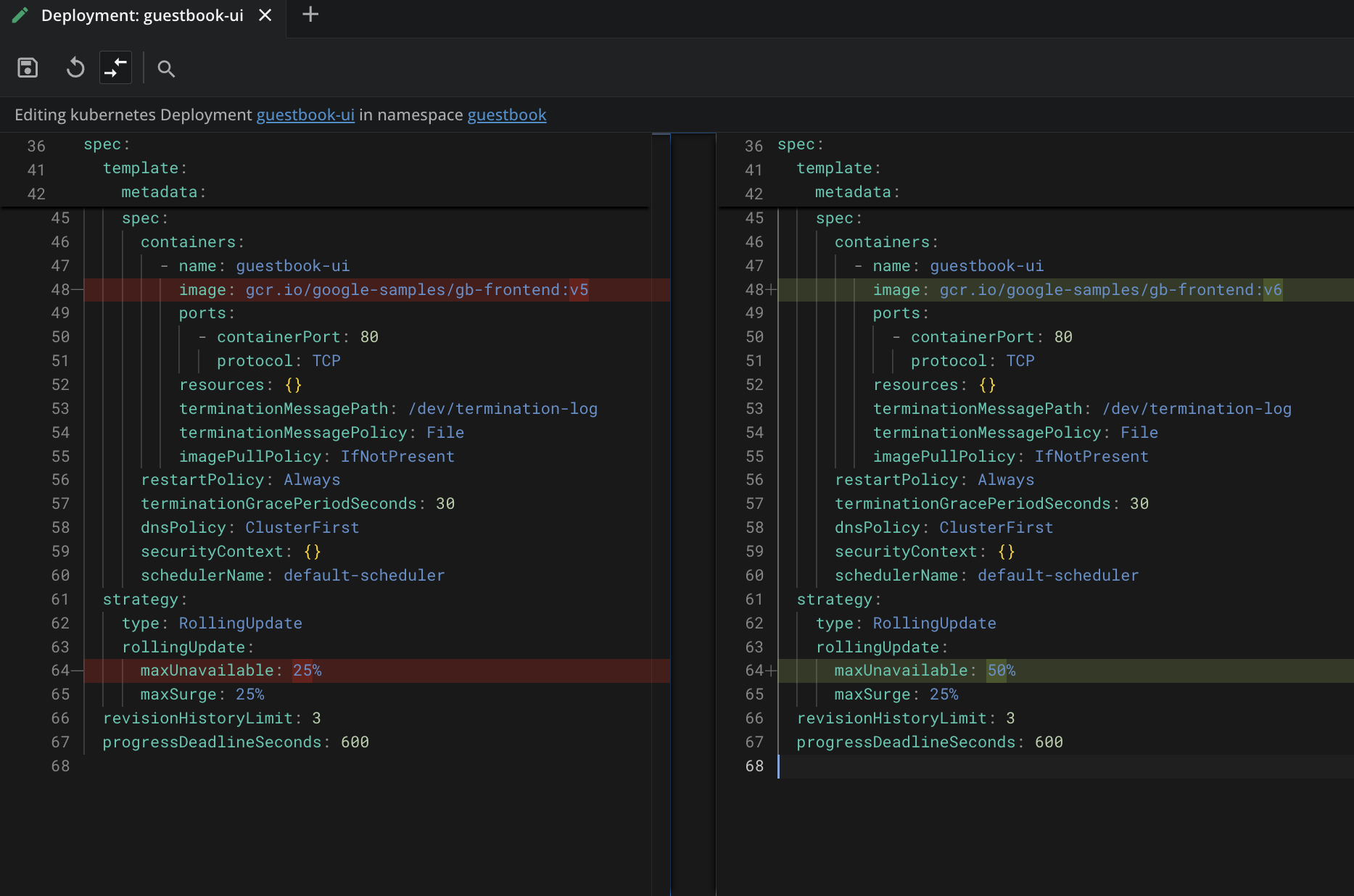
.yamlin the editor tab. - Click the compare-arrows icon (Show changes) in the editor toolbar. The editor splits into two panes: the baseline on the left and your edited version on the right, with changed lines highlighted.
- Click the same icon again (Exit diff view) to return to the single-pane editor.
You can keep editing in diff view.
Revert your changes#
Click the circular-arrow icon (Revert to original) in the editor toolbar to discard your edits and restore the baseline version. The icon activates once your content differs from the baseline.
Reverting only changes the editor content. Nothing reaches the cluster until you save.
Info
The advanced editor has three states: available, disabled by your administrator, and not included in your subscription. Without a subscription that includes it, the Show changes and Revert to original icons stay in the toolbar and clicking them opens the Premium Features page. When your administrator disables the feature, the icons do not appear.
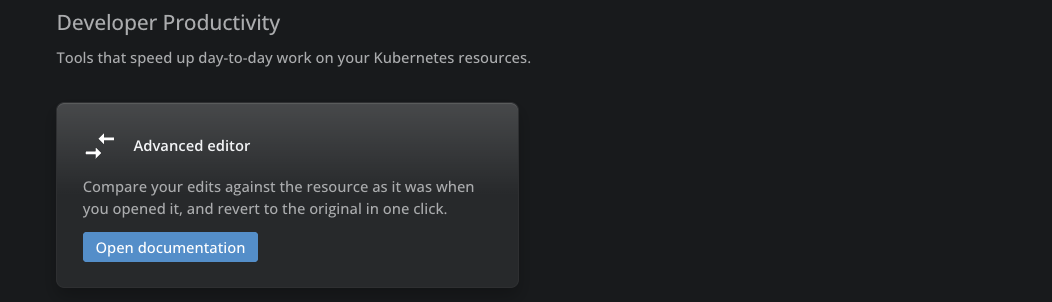
On the Premium Features page, the advanced editor appears under Developer Productivity: