Lens Extensions#
Lens premium subscription feature. See details on Lens Pricing.
Lens Extensions let you create your own features for Lens K8S IDE, and customize it to fit your workflow. Share what you build with colleagues or the wider community, or install extensions other people publish.
An extension is an npm package that exports a Feature, using the same building blocks Lens itself is built from. Lens loads it into a sandbox alongside the app's own code. The sandbox controls how the extension's modules load, not what it can do: an extension runs with the same access as Lens.
Use extensions to add a status bar indicator, a section to a resource's details panel, an item in the navigator, or an action on a Kubernetes object.
Lens builds extension creation around AI assistance, so you create one without writing code. Create a new extension from the AI tool menu in the top bar, and Lens opens it in your configured AI coding tool, the same one used for Ask AI. Describe what the extension should do in natural language, and the tool builds it from a live, version-matched capability reference.
Everything lives under Extensions in the Lens Navigator: create a new one, browse the Extension Marketplace, meet the community, and see the installed ones. Select Browse Marketplace to open the marketplace:
-
Browse every published extension, in Lens and on lenshq.io, and read an extension's page.
-
Describe the extension to your AI coding tool and let it build it, without writing code.
-
Publish an extension to npm from inside Lens, the minimum to share it in the marketplace.
-
Link a repository and a license, so others can clone the extension and send you pull requests.
-
Start your own extension from a published one, improve it, and send the change back.
-
Install extensions from the marketplace, load a local one from your filesystem, or share one with a link.
-
See which extensions have updates, update them in place or automatically, and rebuild your own.
-
How Lens matches each extension version to your Lens build, automatically.
-
Uninstall or disable an extension, and restore a local one.
-
Start Lens with no extensions loaded, to recover when one breaks it.
-
Lens Enterprise only. Administrators allow, block, and require versions of extensions, and install them for everyone.
-
Worked example: a red badge on production clusters, built by describing it.
Info
This section covers the common tasks: create, publish, share, clone, install, update, and remove. For the complete extension API, capability by capability, open ~/.k8slens/extensions/extension-development-instructions/README.md. Lens regenerates it on every launch, matched exactly to your installed version, so it never goes stale the way a hand-written reference would.
What an extension can add to#
An extension builds on the same parts of the interface and the same data Lens K8S IDE uses itself:
- Interface: the status bar, the top bar, the Navigator and its menus, the hotbar, tabs in the main view and the dock, details panel sections, drop-down menus, Kubernetes resource menus, the command palette, modals, and notifications.
- Tables: tables of its own, and columns in the lists of Lens, such as pods, deployments, nodes, applications, Flux CD and Argo CD resources, Gateway API, Dynamic Resource Allocation, and Security Center.
- Clusters and Kubernetes: your clusters and their connection state, reading and patching Kubernetes resources, and Prometheus metrics.
- AI: starting an Ask AI conversation about a cluster, and items in the AI tool menu.
- Your machine: running command-line tools, opening web pages, and keeping its own settings across restarts.
It renders with the components Lens is built from, so it follows your theme. The exact list for your installed version is in ~/.k8slens/extensions/extension-development-instructions/README.md.
Meet the community#
Select Meet the Community under Extensions in the Navigator to join the Lens Slack. Extension developers gather in the public #extension-dimension channel: ask for help, share what you are building, and hear what is coming. Hover the item to see the channel it takes you to.
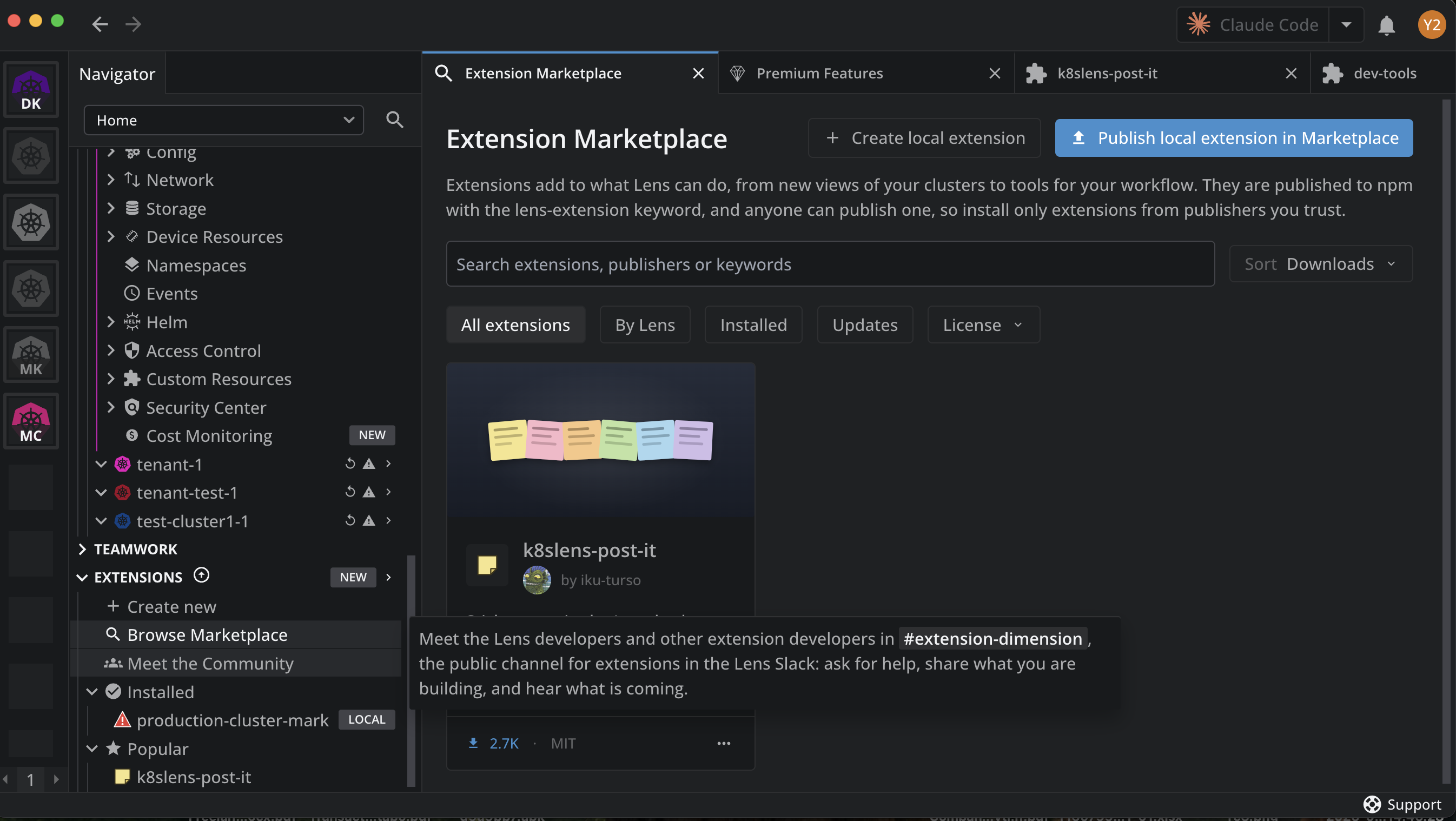
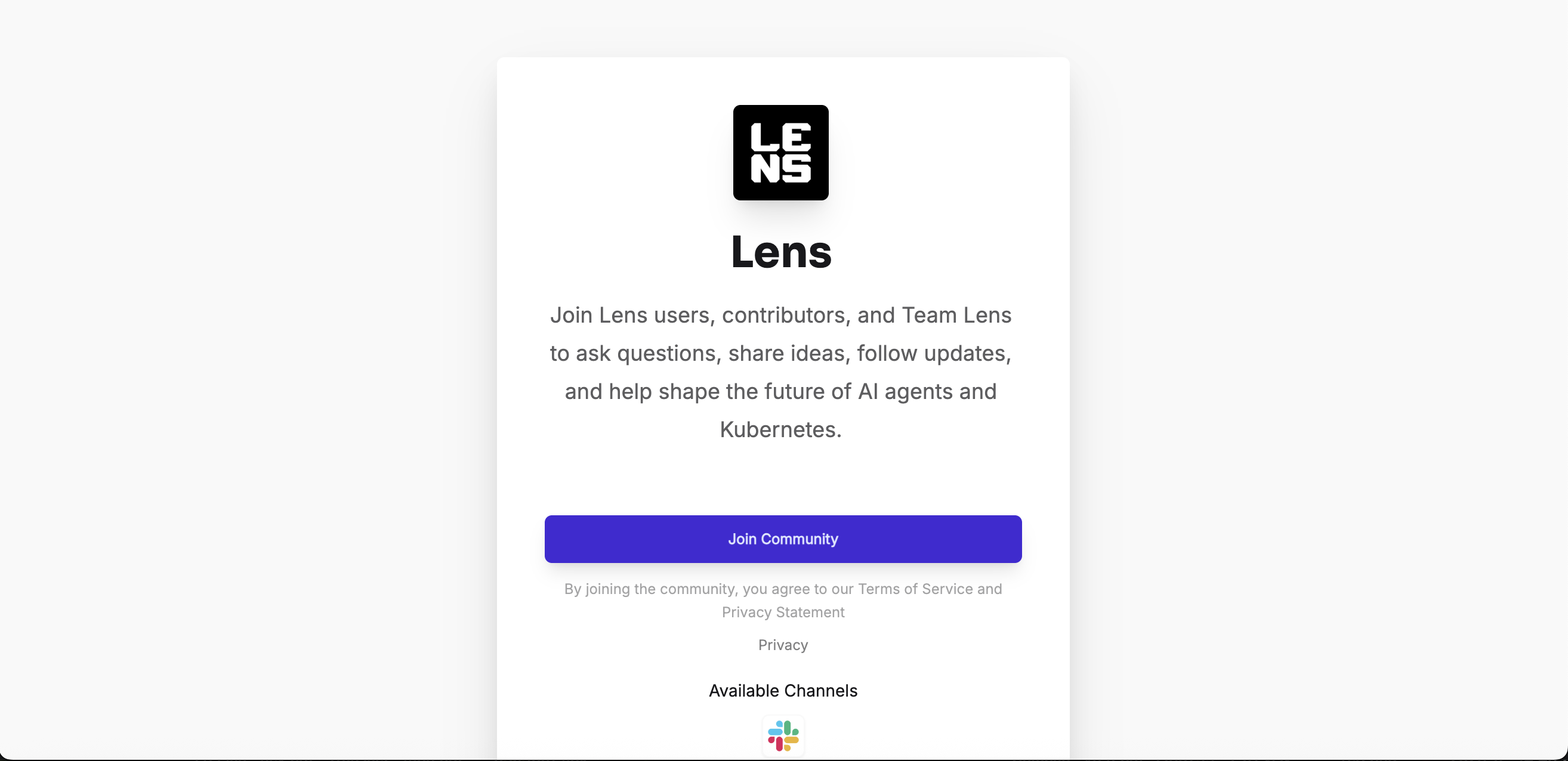
Lens opens the Lens community page in your browser. Click Join Community to join the Lens Slack, then open #extension-dimension.
Requirements#
- A Plus, Pro, or Enterprise subscription plan to install and run extensions. Browsing the marketplace is open to everyone. For details, see Lens Pricing
- An AI coding tool selected under Preferences > External Tools > AI tool to create one
- Node.js and npm to build and publish one
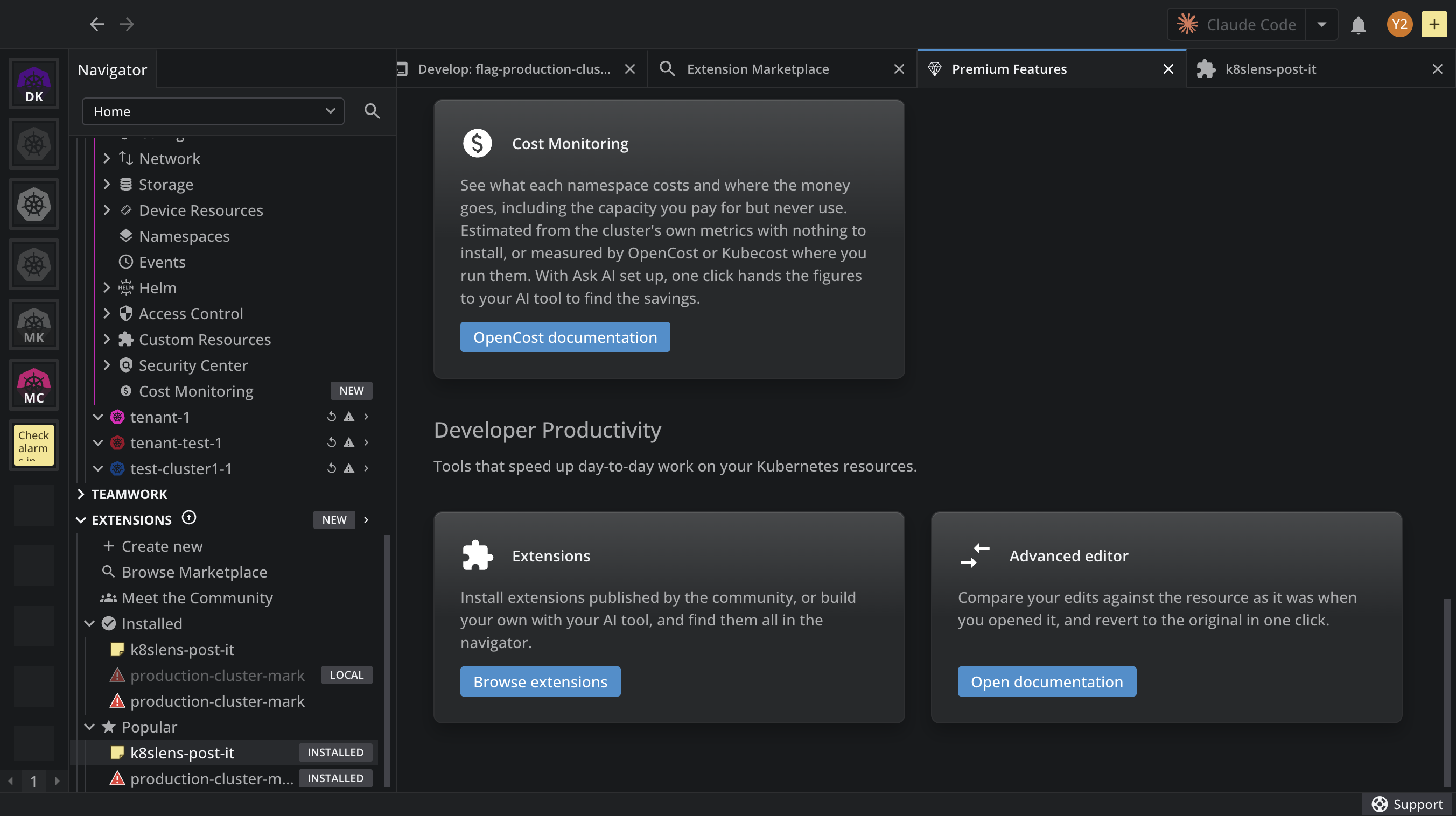
Extensions appear on the Premium Features dashboard, under Developer Productivity:
Limitations#
- Community and vendor extensions are not reviewed or maintained by the Lens team. Install extensions only from sources you trust.
- Only Lens Enterprise organizations can govern extensions: there, the administrator decides which extensions run. See Extension governance.